
Fortifying the Front Gate: Essential Steps to Harden Your Router in Minutes

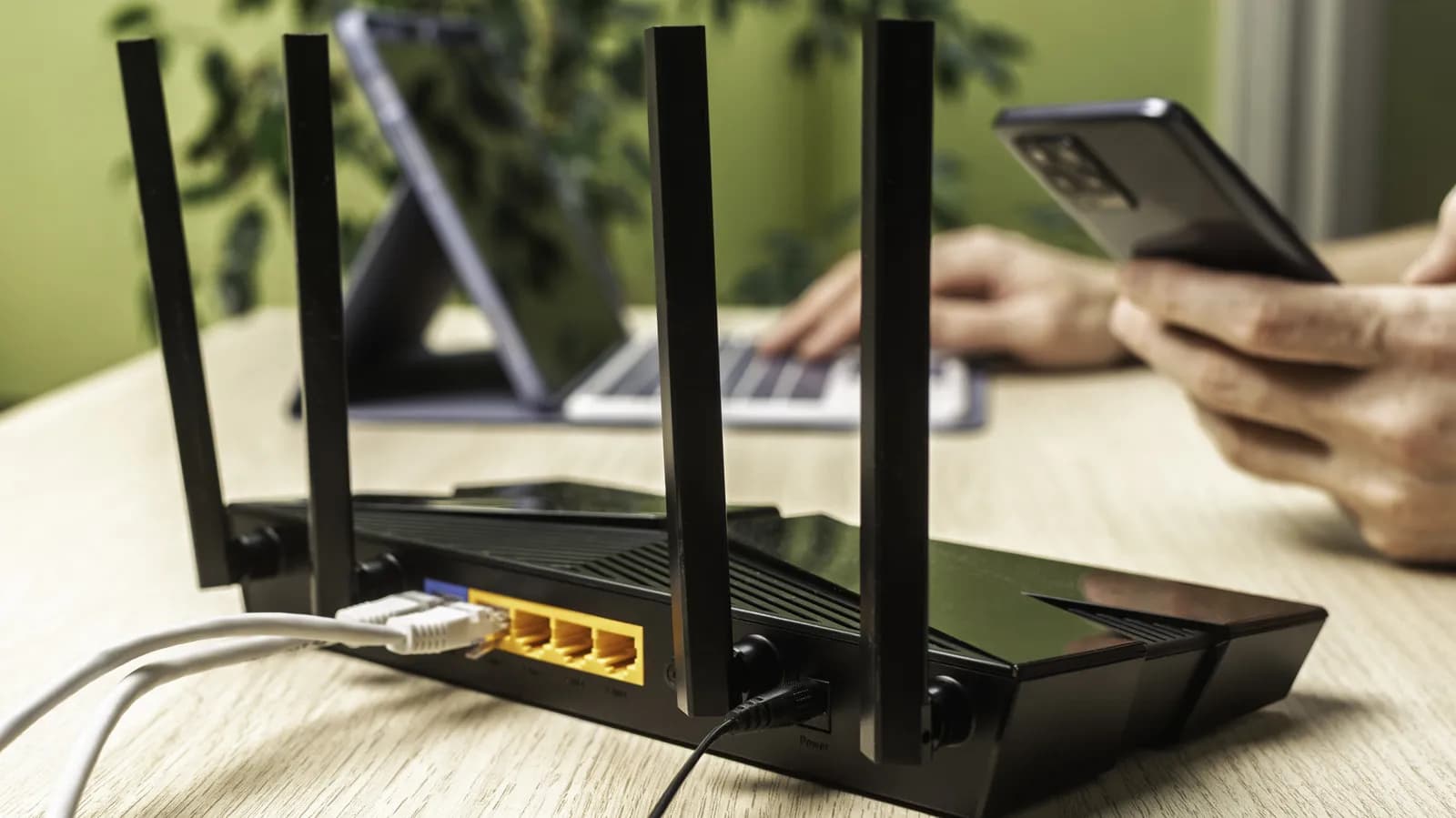
In an era where remote work has permanently shifted the enterprise boundary into living rooms and home offices, the humble consumer router has become one of the most critical pieces of infrastructure on the modern web. Despite its pivotal role in directing every packet of traffic generated by laptops, smart home appliances, development workstations, and personal devices, the router is frequently treated as a piece of set-it-and-forget-it hardware. Users unbox the device, plug in the ethernet cable, establish a basic Wi-Fi password, and never revisit the administrative portal again. Yet, relying strictly on default configurations creates blind spots that opportunistic threat actors actively seek out.
Hardening a network gateway does not require advanced networking certifications or days of troubleshooting. In fact, applying foundational security hygiene to a consumer or small-office router requires only a brief audit and a handful of targeted adjustments. By understanding how attackers approach edge devices and addressing key vulnerabilities—such as legacy protocols, exposed administrative interfaces, and unsegmented local networks—users and engineers alike can transform a vulnerable access point into a resilient digital perimeter in just a few deliberate steps.
The Overlooked Perimeter: Why Home Routers Are Prime Targets
Home and small-office routers occupy an enviable position from an attacker's perspective: they stand directly between the open internet and a private local area network (LAN). Over the past decade, automated botnets have evolved from targeting enterprise servers to relentlessly scanning the IPv4 address space for under-protected consumer gateways. Once compromised, these devices can be conscripted into distributed denial-of-service (DDoS) networks, utilized as residential proxies to obscure malicious traffic, or leveraged as beachheads to launch secondary attacks against internal workstations, Network Attached Storage (NAS) units, and unpatched Internet of Things (IoT) gadgets.
The root problem often stems from convenience-oriented default settings. Equipment manufacturers often prioritize a frictionless setup experience to minimize customer support calls, which can result in permissive firewall rules, enabled remote management protocols, and outdated encryption modes left on for backwards compatibility. For engineers and remote workers handling sensitive source code, API keys, or corporate VPN tunnels, an insecure local gateway undermines the defensive posture of every device operating behind it.
Securing Administrative Access and Disabling Exposed Interfaces
The first and most critical defense lies within the router's management dashboard. Many users mistakenly believe that keeping their default Wi-Fi password secure protects the underlying management interface. However, many routers ship with widely known default credentials—combinations like 'admin' and 'password' that are cataloged in publicly accessible databases. Replacing these defaults with a robust, randomized administrative passphrase generated by a password manager immediately eliminates the risk of trivial brute-force intrusions from within the network.
Beyond credential strength, disabling remote management over the Wide Area Network (WAN) is an essential safeguard. Unless an administrator specifically requires the ability to configure their router from outside their local network, the WAN-facing management interface should always be turned off. Leaving management ports open to the public internet invites automated scanners to probe the router’s web server for unauthenticated remote code execution flaws. Similarly, legacy protocols such as Telnet or unencrypted HTTP management should be phased out in favor of secure local HTTPS access.
Another common convenience feature that introduces unnecessary risk is Wi-Fi Protected Setup (WPS). Designed to allow devices to connect via a physical push-button or an eight-digit PIN, WPS implementations have historically been plagued by algorithmic flaws and brute-force vulnerabilities. Disabling WPS entirely within the router's wireless settings eliminates an entire attack vector without meaningfully impacting day-to-day usability.
Modernizing Encryption and Implementing Network Segmentation
Wireless security protocols have advanced significantly over the last several years, yet many routers continue to support obsolete standards to ensure legacy hardware can connect. Transitioning a Wi-Fi network to WPA3—or at minimum, WPA2-AES—is critical for protecting wireless frames from offline dictionary attacks. Outdated protocols like WEP and WPA-TKIP are demonstrably broken and should never be permitted on a modern network. Where supported, adopting WPA3 Enterprise or Personal provides forward secrecy and robust protection against password-guessing attempts.
In addition to strong encryption, network segmentation provides an indispensable layer of defense-in-depth. Most contemporary consumer routers feature a 'Guest Network' capability, which creates a secondary wireless network with client isolation enabled. By relegating untrusted devices—such as smart televisions, robotic vacuums, smart bulbs, and personal streaming sticks—to an isolated guest subnet, users can prevent compromised IoT peripherals from sniffing traffic or traversing the network to reach primary workstations, development environments, or file servers.
- Primary Network: Reserved strictly for trusted workstations, laptops, and mobile devices carrying sensitive workflows and personal credentials.
- Guest Network: Assigned to guests, smart home appliances, and experimental test hardware that require internet connectivity but should never communicate with local network hosts.
- Client Isolation: Enabled on guest subnets to ensure connected devices cannot discover or ping one another.
Maintenance Hygiene: The Critical Role of Firmware and DNS
Hardware security is not a one-time configuration; it requires ongoing operational discipline. Router manufacturers periodically release firmware patches that resolve newly discovered Common Vulnerabilities and Exposures (CVEs), fix memory corruption bugs, and update internal software packages like dnsmasq or OpenSSL. When available, enabling automated firmware updates ensures that critical vulnerability fixes are applied without manual intervention. If automatic updates are not supported by the hardware vendor, scheduling a recurring calendar reminder to check the manufacturer’s support portal for signed firmware updates remains a vital practice.
Domain Name System (DNS) configuration is another high-leverage setting that warrants attention. By default, routers typically forward DNS requests to the upstream Internet Service Provider (ISP). ISPs frequently log unencrypted DNS queries for diagnostic or advertising purposes, and their resolvers may lack modern security features. Transitioning the router’s upstream DNS to independent, security-focused resolvers that support DNS over HTTPS (DoH) or DNS over TLS (DoT) enhances privacy and mitigates spoofing attacks. Furthermore, adopting protective DNS services that automatically block known malicious domains and phishing infrastructure adds an automated, network-wide shield for every connected client.
Why Network Gateway Hardening Matters for Developers
For software developers, network security is not merely a theoretical consumer concern—it directly impacts code integrity and infrastructure access. Software engineers frequently run local development servers, containerized workloads via Docker, and mock testing environments on their local machines. If an attacker gains access to the local subnet via an insecure router, those exposed local development ports—often running without authentication under the assumption of a trusted LAN—become accessible targets.
Furthermore, developers frequently handle long-lived secrets: SSH private keys, cloud provider access tokens, and environment configuration files. A compromised router capable of performing man-in-the-middle (MitM) attacks or DNS poisoning can intercept unencrypted web traffic, hijack update channels, or redirect API calls to malicious endpoints. By treating the home network with the same zero-trust principles applied to cloud deployments, developers can ensure that their personal environment does not become a conduit for supply chain contamination.
The Advanced Alternative: Open-Source Firmware and Prosumer Hardware
While tweaking native manufacturer settings yields an immediate security improvement, power users and engineers often outgrow the constraints of consumer-grade graphical interfaces. For hardware that supports it, flashing open-source firmware distributions such as OpenWrt provides complete transparency over the operating system, granular firewall rule management via nftables, and continuous security patching long after a hardware vendor ceases official support.
Alternatively, migrating toward dedicated prosumer or enterprise-grade routing platforms—such as pfSense, OPNsense, or Ubiquiti UniFi—unlocks advanced capabilities including hardware-level Virtual Local Area Networks (VLANs), intrusion detection systems (IDS/IPS), and deep packet inspection. While these solutions require a higher initial investment of time and resources, they grant administrators unprecedented visibility into network telemetry and traffic anomalies, effectively closing the gap between home-office security and enterprise data center standards.
Building a Resilient Foundation
Securing a local router is one of the highest return-on-investment actions an individual can take to elevate their overall cybersecurity posture. In a matter of minutes, an administrator can disable high-risk features like WPS and remote WAN management, upgrade to robust encryption standards, segregate high-risk IoT devices, and establish reliable DNS protections. Network security does not have to be an overwhelming endeavor; by taking deliberate control over the hardware that anchors your digital life, you establish a resilient foundation that safeguards both personal privacy and professional workflows.
Source: engadget.com