
Maximizing Legacy Silicon: How to Extract Peak GPU Performance Without Upgrading

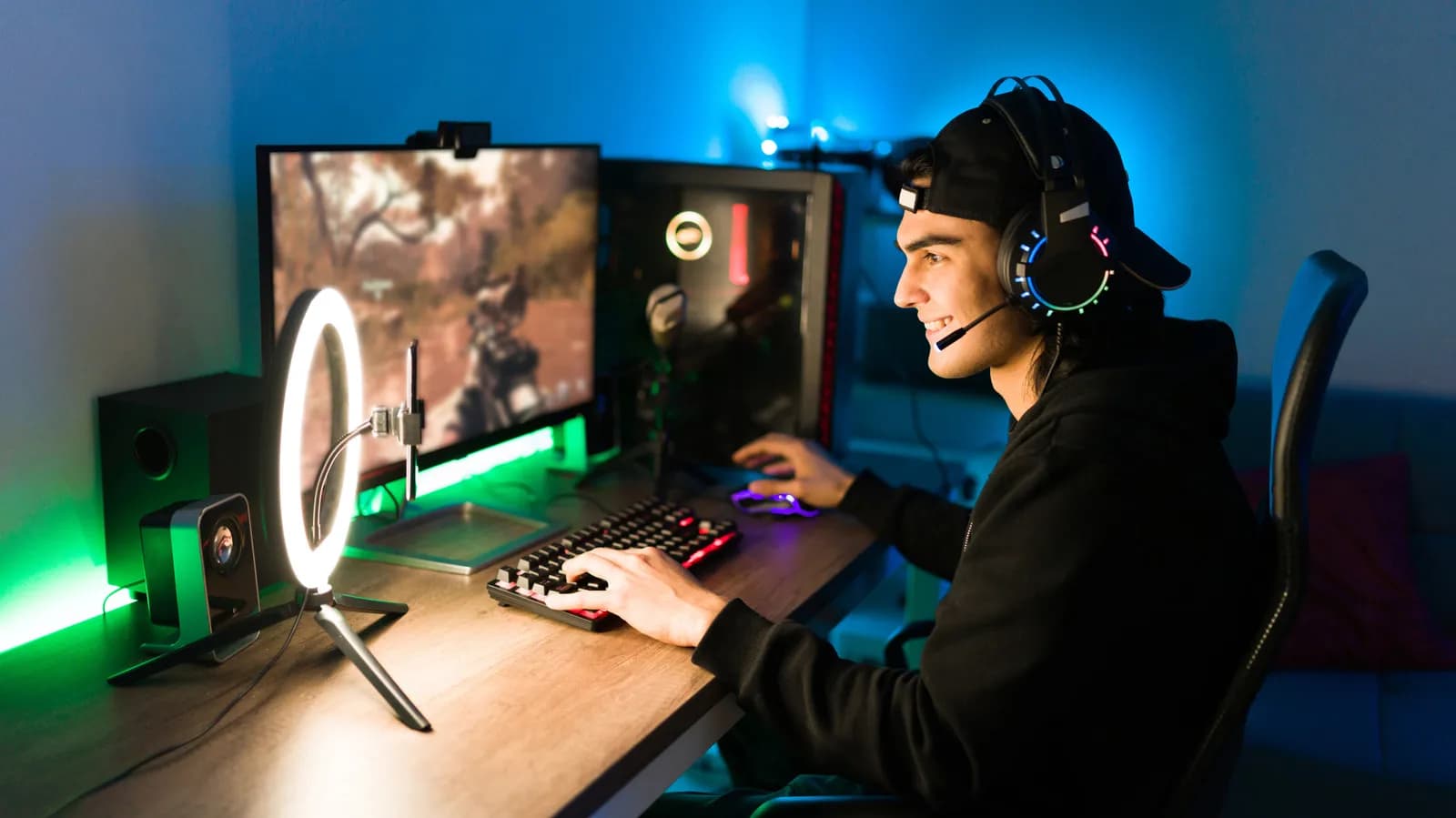
Over the past few hardware cycles, upgrading a dedicated graphics card has transitioned from a routine hobbyist milestone into an expensive capital expenditure. Driven by manufacturing complexities, supply chain shifts, and intense enterprise competition for silicon wafers suited for machine learning workloads, consumer GPUs have remained costly. As a consequence, both developers and end users increasingly find themselves holding onto older graphics architectures far longer than historical upgrade patterns might suggest. However, running older silicon does not automatically relegate users to choppy frame rates or unplayable visual fidelity.
A modern graphics pipeline is deeply influenced by software configurations, modern driver updates, and cutting-edge reconstruction algorithms. By taking deliberate control over rendering pipelines, operating system parameters, thermal constraints, and upscaling settings, it is possible to recover double-digit performance gains from existing hardware. Squeezing maximum throughput out of an aging graphics processor is part science and part art, requiring an understanding of where modern games and graphics-heavy applications waste compute cycles and how to rein them in.
The Economics and Architecture of Aging Silicon
Graphics processors age differently than central processing units. While a CPU handles arbitrary control flow and broad application logic, a GPU is a massive array of parallel execution units designed to crunch matrix transformations, rasterization, and shader calculations. In recent generations, hardware vendors have shifted significant silicon real estate toward dedicated hardware accelerators—such as matrix multiplication cores and dedicated hardware ray-tracing intersections. When an older card encounters modern rendering techniques built around these dedicated blocks, performance drops precipitously.
Understanding this architectural gap is the key to tuning legacy hardware. When a modern game demands realistic global illumination or complex path tracing, an older architecture lacks the specialized functional units required to compute those algorithms in hardware. Instead, the driver and application must fall back on generalized compute shaders, quickly overwhelming memory buses and execution units. Recognizing which computational tasks your specific architecture was designed to run natively—and which ones it attempts to brute-force—allows you to tailor graphics workloads intelligently.
Modern Reconstruction: FSR, XeSS, and Universal Upscaling
Perhaps the single most transformative development in real-time computer graphics over the past half-decade is temporal reconstruction and spatial upscaling. Historically, running a game at lower than native display resolution resulted in muddy, heavily aliased visuals. Today, algorithms such as AMD's FidelityFX Super Resolution (FSR) and Intel's XeSS operate across broad hardware spectrums, allowing cards from previous generations to render frames internally at lower resolutions before reconstructing them to target displays with remarkable clarity.
Because open implementations like FSR do not require proprietary acceleration cores to execute basic spatial or temporal upscaling passes, they function seamlessly on GPUs that predate modern AI acceleration. Rendering an application at 1080p and scaling it to 1440p can reduce the sheer pixel shader workload by up to 40 percent, instantly delivering smoother frame pacing. Even in titles lacking native temporal upscaling integration, modern driver suites and open-source tools allow users to inject spatial upscaling at the display driver layer, providing an immediate boost to frames per second with minimal artifacting.
Refining the In-Game Rendering Pipeline
Most graphical presets in contemporary applications are designed with blunt instruments. Selecting an arbitrary preset often dials every knob up uniformly, including rendering features that offer diminishing visual returns in exchange for massive compute penalties. Taking the time to manually configure individual settings yields the most dramatic efficiency improvements.
- Volumetric Clouds and Fog: Volumetric lighting and atmospheric density calculations require extensive ray-marching through 3D textures, heavily taxing fill rates and compute pipelines. Lowering volumetrics often produces negligible visual degradation while restoring significant frame stability.
- Screen-Space Reflections and Ambient Occlusion: Techniques like horizon-based ambient occlusion (HBAO) or complex screen-space reflections can saturate raster engines. Switching to lighter approximations cuts shader overhead immediately.
- Shadow Cascades and Map Resolutions: High-resolution dynamic shadow maps consume valuable video memory (VRAM) bandwidth and cache. Dropping shadows to medium settings relieves memory bus pressure without drastically altering overall art direction.
- Geometric Detail and Draw Distance: Lowering mesh complexity reduces geometry passes and vertex processing, allowing older vertex pipelines to maintain steady throughput.
Driver Hygiene and Operating System Tuning
The operating system and graphics driver stack represent the crucial intermediary layer between your code and the underlying silicon. Over months and years of software updates, accumulated driver artifacts, background services, and default OS configurations can introduce subtle latency spikes and scheduling bottlenecks. Maintaining peak GPU output requires establishing a clean, unobstructed software pipeline.
Performing a clean driver installation using specialized removal utilities eliminates orphaned registry entries and configuration conflicts that can degrade frame delivery. Simultaneously, modern operating system features such as hardware-accelerated GPU scheduling (HAGS) should be evaluated; depending on the specific GPU generation and memory configuration, passing buffer management directly to the GPU can reduce input latency and eliminate CPU bottlenecks. Furthermore, disabling background overlays, game recording hooks, and unneeded hardware acceleration inside background applications like web browsers preserves precious VRAM allocations exclusively for foreground tasks.
Thermals, Clock Speeds, and the Undervolting Advantage
GPU performance is fundamentally tethered to physical constraints: thermal dissipation and electrical power. Modern graphics cards feature sophisticated internal frequency-voltage curves that dynamically throttle clock speeds the moment silicon temperatures exceed predefined safety thresholds. Over time, thermal interface material degrades, dust accumulates within heat sinks, and thermal throttling becomes a silent killer of consistent performance.
Rather than pushing an older card to draw more power, experienced hardware tuners frequently turn to undervolting. By manually modifying the voltage-frequency curve using low-level utility software, it is possible to achieve identical—or even higher—sustained clock frequencies while drawing substantially less electrical current. Lowering the voltage decreases heat output, which prevents the GPU core from hitting thermal thresholds that cause sudden frame drops. Combined with regular dust maintenance and potentially reapplying thermal paste, undervolting restores acoustic comfort while maximizing consistent clock stability.
The Developer Perspective: Designing for Hardware Heterogeneity
From an engineering and game development perspective, the persistence of older graphics cards is a critical design reality. When targeting mass-market audiences or broad developer ecosystems, engineers cannot simply assume end users possess the latest high-bandwidth memory architectures or dedicated tensor cores. Engineering robust rendering engines requires implementing graceful degradation pathways.
Developers achieve this by embracing modular shader architecture, providing clear fallbacks for compute-heavy lighting solutions, and actively integrating vendor-agnostic reconstruction SDKs. By structuring graphics APIs like DirectX 12 and Vulkan to handle asynchronous compute tasks intelligently, software engineers ensure that legacy hardware can parallelize workloads effectively rather than stalling at synchronization barriers. Optimizing graphics settings on older cards is essentially the user-side counterpart to the architectural optimizations developers implement behind the scenes.
Preserving Value in an Evolving Tech Landscape
While the hardware industry naturally pushes consumers toward the newest releases with promises of cutting-edge fidelity and hardware-driven features, smart optimization shows that older GPUs have plenty of life left. By decoupling native rendering resolutions via modern upscalers, pruning non-essential rendering overhead, and keeping operating thermals in check, users can extend the functional lifespan of their silicon significantly.
Maximizing what you already own is both economically sound and technically rewarding. With the proper adjustments applied across software, drivers, and runtime settings, older graphics cards can continue delivering responsive, high-fidelity experiences across modern digital workloads for years to come.
Source: engadget.com