
Unlocking the Pocket Workstation: Exploring Android's Native Desktop Experience

The Convergence of Mobile and Desktop Computing
For years, the holy grail of personal computing has been convergence—the idea that a single pocketable device should be powerful enough to handle everything from casual mobile messaging to heavy desktop productivity. While historical attempts to realize this vision often relied on proprietary docks, specialized enterprise contracts, or heavy launcher software, recent updates to mainstream operating systems suggest a more native future is finally taking shape. As smartphone chipsets routinely rival traditional laptop processors in raw performance, the operating systems running on them are finally evolving to match.
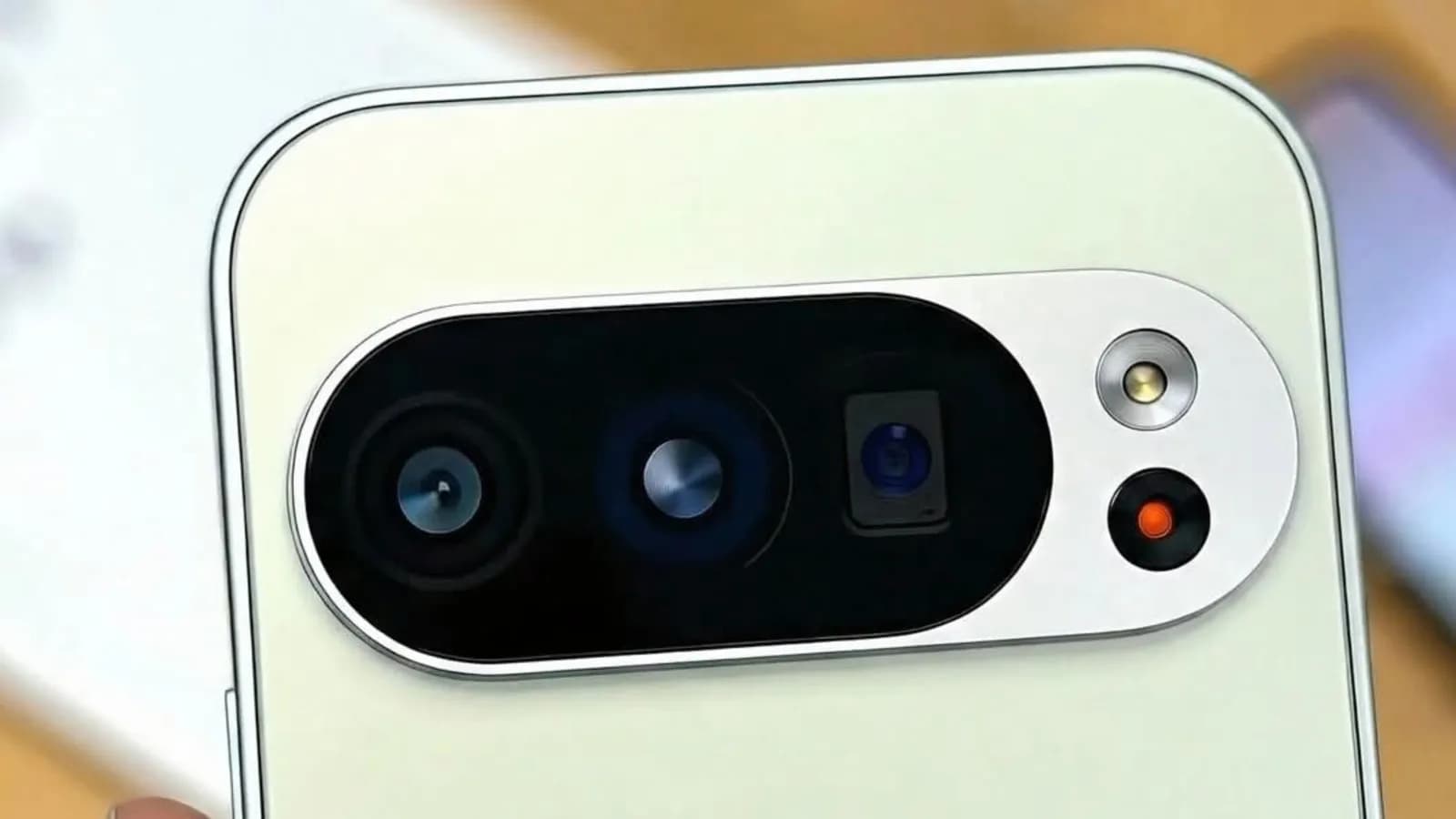
Android's progression toward a robust desktop mode has been a slow-burn journey, tracked closely by enthusiasts and developers alike. Initially hidden behind developer flags and experimental settings, the capability to drive an external monitor with a mouse and keyboard support has matured into a viable daily driver scenario. With recent implementations rolling out on mainstream hardware like Google's Pixel lineup, the paradigm of carrying your entire workstation in your pocket is shifting from science fiction to practical reality.
Under the Hood: How Native Desktop Display Works
At its core, Android has long possessed the foundational display-manager architecture required to drive secondary screens. Historically, this capability was utilized primarily for screen mirroring or casting media to televisions. However, modern iterations of the mobile operating system incorporate sophisticated multi-display logic that can treat an external monitor as an independent workspace rather than a mere clone of the phone's primary display.
When a compatible handset is connected to an external display via USB-C, the system dynamically reallocates rendering duties, spinning up a secondary launcher optimized for large-scale pixel grids. Windows can be resized, dragged, and snapped to grid locations, mimicking the window management paradigms found on desktop operating systems like Linux, macOS, or Windows. This transformation relies heavily on the underlying Linux kernel and Android's surface composer to handle graphics acceleration and input routing seamlessly without lagging the host device.
Why This Matters for Developers and Power Users
For developers, systems administrators, and power users, the implications of a truly functional mobile desktop environment are profound. Imagine traveling light with only a foldable keyboard and a portable USB-C monitor, yet retaining the ability to spin up an SSH session, run containerized workloads via remote servers, or even execute local development environments compiled for ARM64 architectures. The workflow friction of switching between distinct devices begins to dissolve.
Furthermore, this capability democratizes access to computing power in regions where smartphones are ubiquitous while traditional desktop PCs or laptops are prohibitively expensive. A single hardware investment can now serve as an all-in-one entertainment console, mobile communication device, and full-fledged productivity workstation simply by connecting it to peripheral accessories. This flexibility encourages innovative approaches to remote work and edge computing.
Hardware Evolution and Performance Considerations
Powering a desktop-grade interface places distinct demands on smartphone hardware, particularly regarding thermal management and battery endurance. Modern mobile system-on-chips feature multi-core CPU configurations and dedicated neural processing units capable of handling intensive workloads, but sustaining high performance over extended periods inevitably generates heat. Without active cooling fans typical of traditional laptops, mobile devices rely on passive thermal throttling to protect internal components.
Memory bandwidth and storage speed also play critical roles in determining the viability of an Android desktop setup. Multitasking across several heavy browser tabs, IDE instances, and communication apps requires ample RAM. As flagship smartphones routinely ship with 8GB to 16GB of high-speed memory and fast UFS storage, the hardware bottleneck that historically plagued early convergence experiments has largely evaporated, ensuring snappy window transitions and responsive input handling.
Ecosystem maturity remains a crucial variable in the widespread adoption of mobile desktop environments. While the underlying operating system can successfully project a windowed interface onto an external monitor, the third-party application ecosystem must also adapt. Apps designed exclusively for touch interfaces can feel awkward when manipulated with a cursor and keyboard shortcuts. Developers need to ensure their software scales gracefully across diverse aspect ratios and supports robust keyboard navigation if desktop mode is to move beyond a niche novelty.
Moreover, peripheral compatibility can present occasional hurdles. Ensuring seamless audio routing, stable Bluetooth peripheral pairing, and reliable power delivery through a single USB-C hub requires robust driver support. As Google and other manufacturers standardize these protocols, the plug-and-play experience is steadily improving, reducing the setup friction for end users looking to ditch their traditional laptops.
The Road Ahead for Pocket-Sized Workstations
As mobile processors continue to shrink in transistor size while expanding in computational throughput, the line separating smartphones from traditional computers will blur even further. Future iterations of mobile operating systems will likely introduce deeper integrations, such as persistent session states, advanced window tiling management, and more seamless peripheral handoffs between screens.
Ultimately, the maturation of Android's desktop mode represents a shift toward more flexible, user-centric computing. By empowering everyday pocket devices to scale up to workstation demands on demand, the industry is moving closer to a truly unified digital life where our primary data and computing power live wherever we happen to plug them in.
Source: engadget.com