
Decoding Windows 11 RAM Consumption: Why High Memory Usage Isn't Always a Bug

The Endless Debate Over Idle RAM
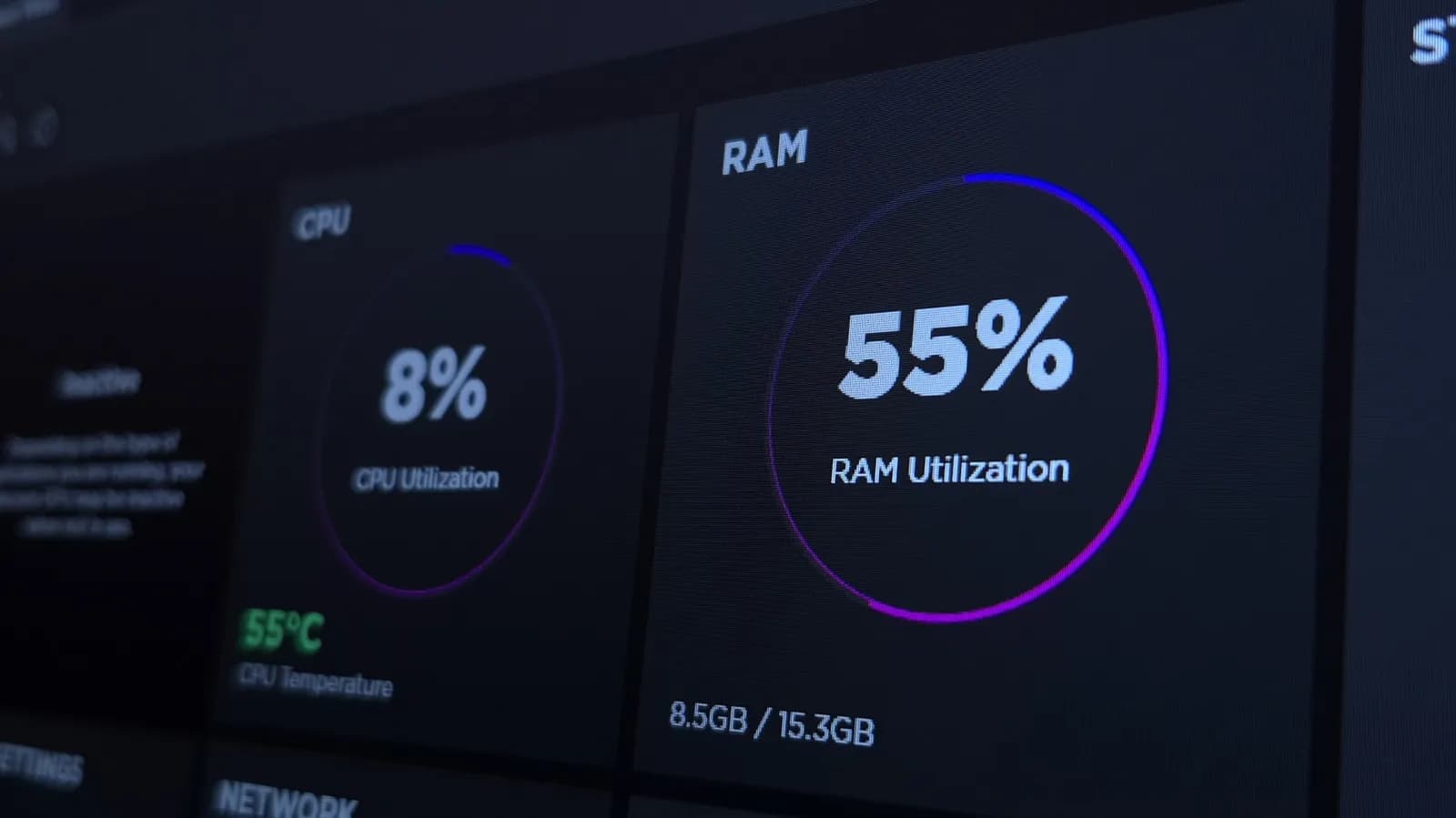
For decades, computer users have watched their operating systems consume gigabytes of memory even when no heavy applications are running. With the release of Windows 11, this phenomenon has once again ignited heated discussions across developer forums, tech support communities, and social media. When a machine with sixteen or thirty-two gigabytes of RAM shows fifty percent utilization right after booting up, the immediate instinct for many is to look for bloatware, memory leaks, or unwanted background services. However, operating system architecture has evolved far beyond the simple memory models of the past.
To understand modern resource utilization, one must shift away from the traditional mindset that treats unused RAM as wasted potential. Modern operating systems are designed with the philosophy that idle memory serves no useful purpose. Instead of keeping physical memory empty, Windows 11 proactively loads application components, system files, and frequently accessed assets directly into RAM to accelerate future retrieval. This architectural shift ensures that hardware investment translates into responsive user experiences, yet it frequently causes alarm among developers and enthusiasts who monitor system metrics closely.
How Modern Memory Management Actually Works
At the heart of Windows 11 memory management lies a sophisticated set of algorithms designed to optimize throughput and responsiveness. Features like SuperFetch, which evolved into SysMain, analyze user behavior over time to predict which applications will be launched next. By preloading these binaries and libraries into available RAM, the operating system drastically reduces cold-boot latency when a user opens an integrated development environment, web browser, or container platform.
Furthermore, Windows utilizes advanced paging and compression techniques to manage working sets efficiently. When physical RAM approaches saturation, memory pages that haven't been accessed recently are compressed rather than immediately swapped to slower disk storage. This compression mechanism reduces disk I/O bottlenecks, preserving system stability and performance under load. As a result, even when memory utilization graphs appear elevated, the system is operating well within safe boundaries, dynamically reclaiming allocated space the moment an active application demands it.
The Developer Perspective: Why High Utilization Matters
For software engineers, system administrators, and QA professionals, understanding OS memory behavior is critical for accurate performance profiling. When debugging local applications, developers often need to isolate their software's footprint from background noise. High baseline memory consumption by Windows 11 can complicate resource profiling, making it harder to detect actual memory leaks within custom services or heavy desktop applications built on frameworks like Electron.
At the same time, developers benefit immensely from the operating system's aggressive caching. Compiling large codebases, running local Kubernetes clusters, or spinning up multiple virtual machines requires every ounce of available hardware capability. By keeping the system layer responsive and caching file system operations, Windows 11 provides a robust foundation for heavy engineering workloads. The challenge lies in distinguishing between necessary system-level caching and genuine resource contention caused by runaway background processes.
Bloatware vs. Intelligent Caching: Where to Draw the Line
While intelligent memory caching is a beneficial feature, critics of Windows 11 point out that the operating system also bundles numerous non-essential background processes, telemetry agents, and pre-installed applications that consume valuable resources. Services related to Cortana, integrated widgets, cloud synchronization, and third-party promotional software contribute to a higher baseline memory footprint that goes beyond core OS caching.
Differentiating between these two categories is essential for system optimization. Core kernel caching and sub-systems like Windows Defender or the Desktop Window Manager require significant RAM to deliver a fluid interface and secure environment. Conversely, extraneous background utilities add little value to power users and developers. Striking the right balance involves pruning unwanted startup tasks while allowing the underlying memory manager to handle caching unhindered.
Practical Troubleshooting and When to Worry
High RAM utilization ceases to be a positive feature the moment it degrades actual system performance. If a developer experiences stuttering during compilation, frequent application crashes, or excessive swapping to the page file, memory pressure has crossed the line from optimization to bottleneck. Diagnosing these issues requires looking past simple task manager percentages and examining metrics like committed memory, hardware reserved space, and page fault rates.
Tools like Windows Performance Monitor and Resource Monitor provide granular insight into how memory is distributed among active processes. If a specific driver or third-party utility exhibits a continuous upward trend in memory allocation without releasing it, a memory leak is likely present. In such cases, targeted troubleshooting—such as updating chipset drivers, disabling faulty shell extensions, or terminating rogue background agents—is far more effective than attempting to force the operating system to keep RAM artificially empty.
The Future of Desktop OS Resource Allocation
Looking ahead, the relationship between hardware capabilities and operating system resource demands will continue to evolve. As AI workloads, local vector databases, and machine learning models become standard components of the modern developer workstation, operating systems will need to manage memory with even greater granularity. Technologies like direct storage access and intelligent hardware-level memory pooling are already changing how data moves between storage, RAM, and the GPU.
Ultimately, the perception of Windows 11 memory usage highlights a broader communication gap between operating system designers and technical end-users. As long as utilization metrics remain prominently displayed in diagnostic tools, users will worry about high numbers. Educating the tech community on the distinction between active consumption and intelligent caching helps demystify these metrics, allowing developers to focus on building great software rather than fighting their own operating systems.
Closing Thoughts
High RAM usage on Windows 11 is rarely a sign of a broken system; rather, it is evidence of an operating system actively working to keep your hardware responsive. While unnecessary background bloat remains a legitimate frustration, the core memory manager's tendency to cache applications and files is a feature designed to improve overall productivity. By understanding the underlying mechanics of modern memory allocation, developers and power users can better evaluate their system's true health and optimize their workflows accordingly.
Source: engadget.com