
Demystifying Laptop Power Banks: A Developer’s Guide to Portable Watts

The Portable Power Dilemma for Modern Developers
For software engineers, remote workers, and digital nomads, the ability to work from anywhere has largely unchained us from the traditional office desk. However, this newfound freedom comes with a persistent hardware anxiety: battery depletion. Modern development laptops—whether pushing intensive compilation tasks, running local Kubernetes clusters, or driving external 4K monitors—consume immense amounts of electrical energy. When working away from a wall outlet, standard smartphone-grade portable batteries simply fall short.
Choosing the right external power bank requires looking far beyond simple milliamp-hour (mAh) ratings. The modern landscape of USB-C Power Delivery (USB-PD) introduces a complex interplay of voltage, amperage, and thermal management. A device might technically hold enough charge to fill a laptop's battery several times over, yet fail to deliver it fast enough to prevent the computer from dying under heavy workloads. Developers need to understand the underlying electrical engineering specs to make informed hardware choices that genuinely support mobile productivity.
Decoding USB-C Power Delivery and Wattage Specs
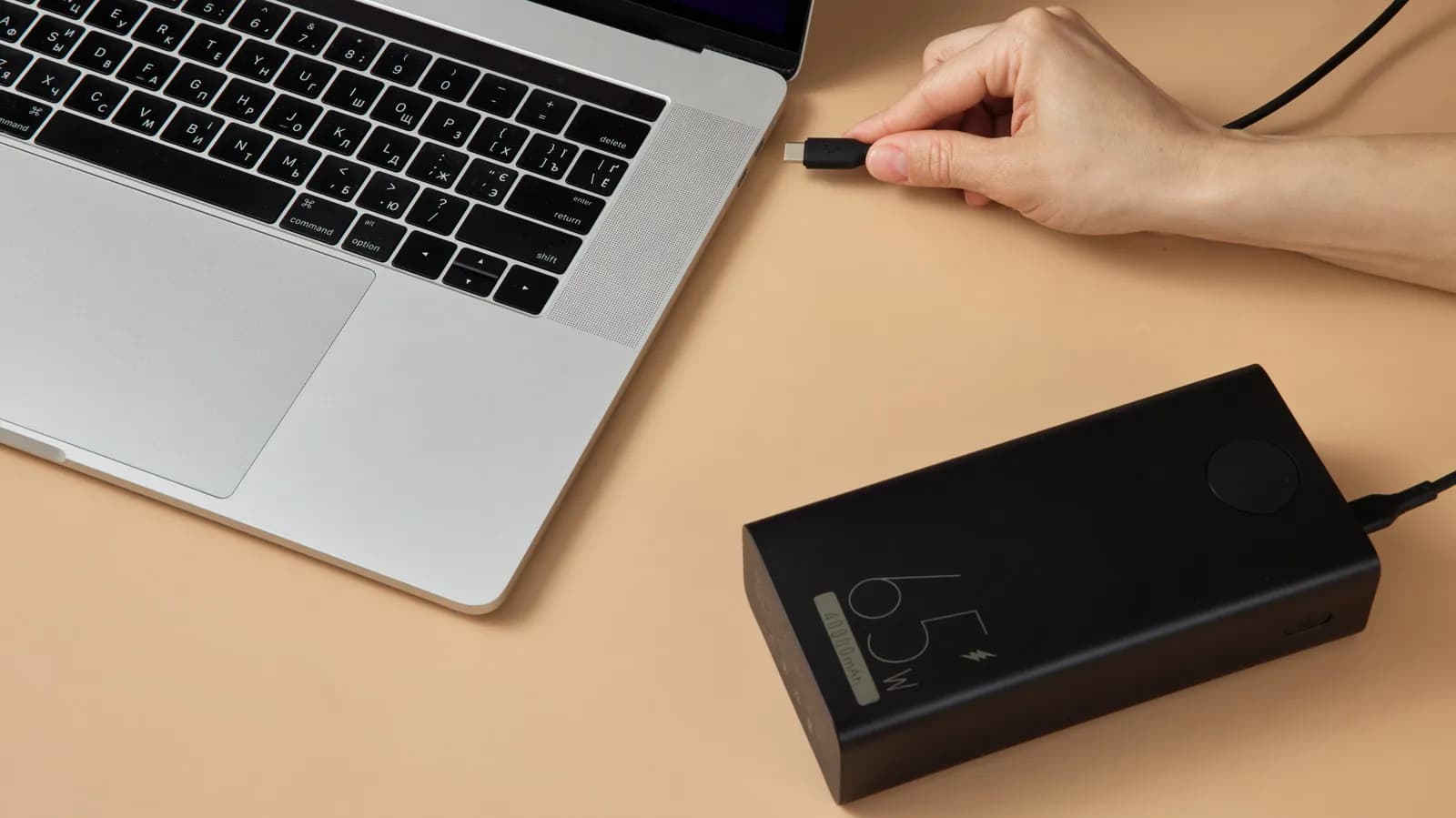
The era of proprietary laptop charger bricks is slowly fading, replaced by the versatility of USB-C and USB-PD standards. However, not all USB-C ports and cables are created equal. To successfully charge a demanding workstation class laptop, a power bank must be capable of outputting a significantly higher wattage than what is typically required for tablets or mobile phones.
While older or smaller laptops might scrape by with a 30W or 45W source, most professional development machines require a minimum of 65W to charge efficiently. High-end mobile workstations outfitted with discrete GPUs or power-hungry multi-core processors often demand 96W, 140W, or even up to 240W under the latest USB-PD 3.1 Extended Power Range (EPR) specifications. Failing to match these wattage requirements means the laptop will either charge at an agonizingly slow rate or continue to drain its internal battery while plugged into the external power source during heavy compilation or build processes.
Capacity Metrics: Navigating Watt-Hours versus Milliamp-Hours
When shopping for backup batteries, consumers are frequently overwhelmed by numbers representing capacity. While milliamp-hours (mAh) remain the ubiquitous metric for mobile devices, they can be deeply misleading when applied to laptop-class power banks due to varying internal cell voltages.
A more reliable metric for technical evaluation is Watt-hours (Wh), which measures total energy storage capacity. Converting milliamp-hours to Watt-hours requires accounting for the nominal voltage of the internal lithium-ion cells, which is typically around 3.6V or 3.7V, compared to the 15V to 20V output required by laptops. Furthermore, buyers must remain mindful of transportation regulations: commercial airlines typically enforce a strict 100Wh limit for lithium-ion batteries carried in checked or carry-on luggage without prior special airline approval, placing a practical ceiling on just how much portable energy a developer can take on a flight.
The Thermal Reality and Efficiency Losses of DC-DC Conversion
Energy transfer is never one hundred percent efficient. Converting the stored electrical energy from a power bank's internal battery pack up to the higher voltages demanded by a laptop via DC-DC boost converters inevitably generates heat. This thermal dissipation results in energy loss, meaning a power bank's advertised capacity is never fully delivered to the target device.
Real-world conversion efficiency typically hovers around 70 to 80 percent. A power bank rated at 99Wh will rarely pump a full 99Wh into a laptop's internal battery cells. Understanding this delta is crucial for expectation management during long coding sessions away from the grid. Moreover, poor thermal management can trigger internal safety mechanisms, causing the power bank to throttle its output wattage or temporarily shut down entirely when subjected to sustained, high-draw operations.
Multi-Port Management and Dynamic Power Allocation
Many high-capacity power banks feature multiple output ports, allowing developers to charge their laptop, smartphone, and wireless headphones simultaneously. However, plugging in multiple devices introduces complex hardware arbitration logic regarding how total output wattage is distributed.
Some power banks maintain a fixed wattage allocation per port, while others utilize smart chips to dynamically renegotiate power delivery profiles whenever a new device is connected or disconnected. For a developer relying on a single high-power port to keep their laptop alive, plugging in a smartphone mid-session can inadvertently cause the power bank to drop the laptop's charging tier, leading to unexpected charging interruptions. Reviewing the manufacturer's port-sharing specification matrix is essential before integrating a multi-device power bank into a professional workflow.
Future-Proofing Your Mobile Rig with EPR Standards
As hardware demands continue to escalate, the adoption of the USB-PD 3.1 Extended Power Range (EPR) standard represents a major leap forward for portable power solutions. Moving beyond the historical 100W ceiling of standard USB-C, EPR enables power delivery up to 240W at 48V, opening the door to truly universal charging bricks that can effortlessly power heavy-duty engineering laptops without proprietary adapters.
Investing in power banks and cables that support these newer protocols ensures that your portable setup remains compatible with upcoming hardware generations. As laptops continue to balance performance density with energy consumption, having a future-proofed power delivery pipeline ensures that developers can maintain desktop-class productivity anywhere in the world.
Summary Takeaway
Selecting a laptop power bank is an exercise in balancing wattage, energy capacity, and conversion efficiency. By prioritizing high USB-PD output ratings over superficial milliamp-hour numbers and paying close attention to airline regulations and multi-port power sharing, developers can build a reliable mobile workstation setup that eliminates battery anxiety entirely.
Source: engadget.com