
Mastering the iPhone Camera Reset: Why Wiping Your Photo Settings Matters

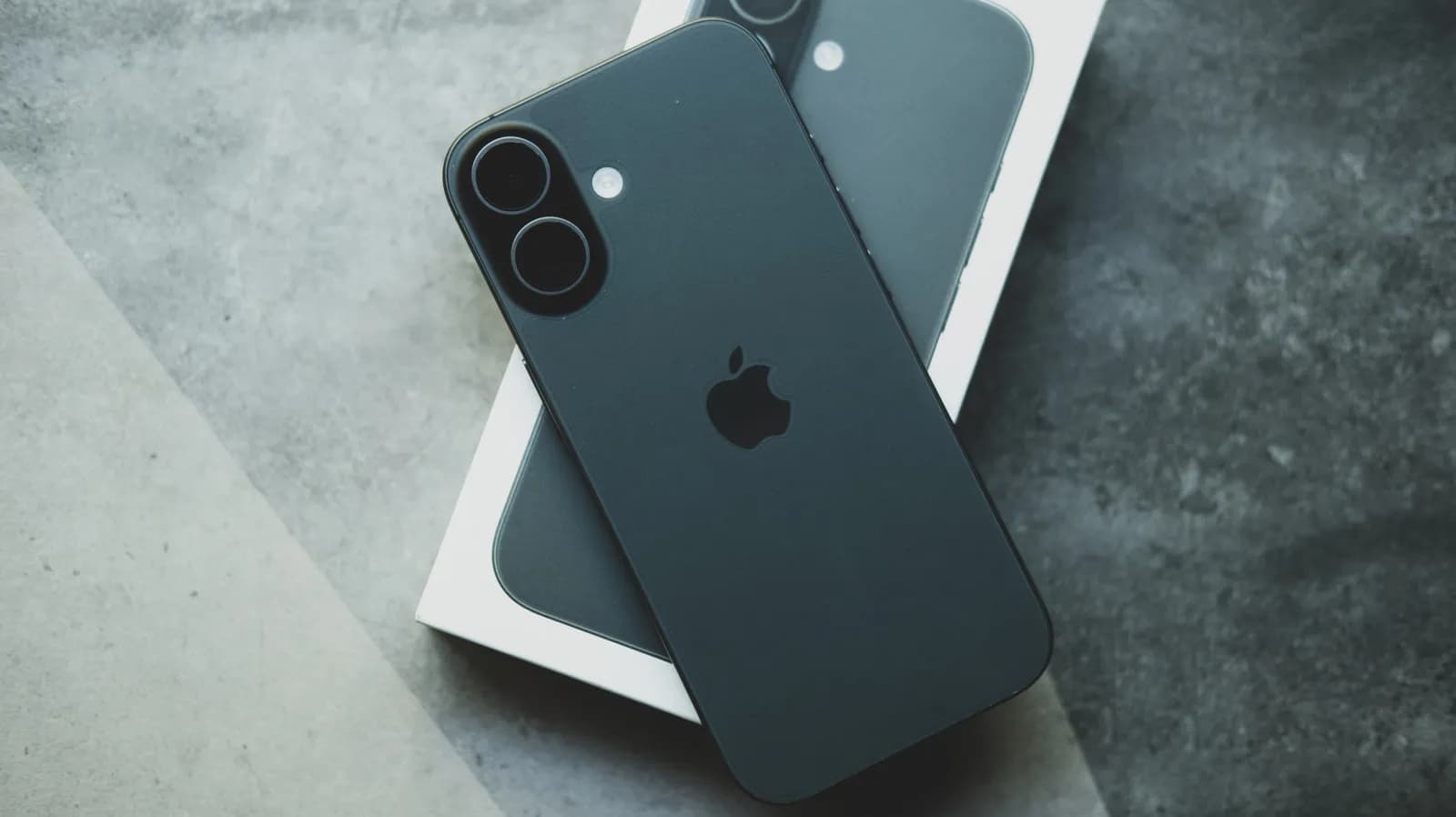
The Quest for the Perfect Mobile Shot
For modern smartphone users, the pocket camera has completely supplanted traditional point-and-shoots, becoming our primary tool for capturing everyday life, professional content, and precious memories. With devices costing upwards of a thousand dollars, the expectation for pristine, high-resolution imagery is naturally sky-high. Apple continuously refines its computational photography pipeline, packing iOS with advanced features like ProRAW, cinematic video modes, macro toggles, and complex exposure locking mechanisms.
However, this cornucopia of advanced settings can sometimes work against the everyday photographer. Over months or years of tinkering with filters, exposure biases, frame rates, and Grid overlays, our camera configurations can become messy and counterintuitive. When photos start turning out strangely washed out, overly processed, or difficult to capture quickly, the culprit is rarely a failing lens hardware component—it is usually software configuration fatigue.
Decoding the Built-In Camera Customizations
To understand why a hard reset is sometimes necessary, we must first look at what iOS tracks behind the scenes. The stock Camera app is designed to remember your preferences between sessions. If you toggle on exposure adjustments, macro control shortcuts, or specific photographic styles during a golden hour shoot, those preferences persist. While this persistence is intended to save time, it frequently leads to confusion when you pick up your phone later in a completely different lighting environment.
Furthermore, third-party apps and operating system updates can interact unpredictably with saved preferences. Features like 'Preserve Settings' are meant to keep your preferred mode active, but they can easily lock you into a niche workflow that ruins spontaneous snapshots. When your device constantly opens in 4K at 60fps when you only wanted a quick, low-bandwidth capture, or when HDR settings behave unexpectedly, your configurations have likely drifted too far from the sensible baseline.
The Mechanics of a Clean Slate
Resetting your camera configuration is not about wiping your precious photo library or formatting internal storage; it is strictly a software preference purge. By navigating into the system settings, users can sever the knot of conflicting toggles and restore the camera app to its factory-fresh operational state. This process strips away custom exposure biases, resets preferred capture formats to standard balanced defaults, and clears out lingering manual overrides that complicate quick framing.
From a technical standpoint, this action forces the computational photography pipeline to stop relying on legacy user inputs and return to standard heuristic analysis. The device stops trying to second-guess the environment based on outdated user habits and instead relies purely on its modern sensor-fusion and auto-adjustment algorithms. For anyone struggling with unpredictable autofocus performance or erratic white balance, this simple software reset acts as a valuable diagnostic and corrective tool.
Why Developer and Power Users Benefit from Defaults
Software engineers, QA testers, and tech enthusiasts are often the worst offenders when it comes to breaking their own device settings. In the pursuit of testing app integrations, exploring private APIs, or evaluating low-level camera capture frameworks, developers constantly manipulate device configurations. Returning the camera app to baseline is an essential sanity check before filing bug reports, recording reproducible test cases, or demonstrating mobile applications to clients.
When developing or testing software that interfaces with AVFoundation or other media capture APIs, eliminating variables is paramount. A polluted camera configuration can masquerade as a bug in your custom code when it is actually just an aberrant system setting on the test device. Resetting parameters ensures a clean testing ground, allowing developers to verify that their application behaves correctly under standard, unmodified iOS conditions.
Navigating the Hidden Pitfalls of System Resets
While resetting camera preferences is largely safe, users should exercise mindfulness before diving into deeper system-wide resets. It is vital to distinguish between clearing app-specific preferences and performing a total factory wipe of the device. Accidentally resetting all device settings will purge Wi-Fi passwords, Bluetooth pairings, and Apple Pay cards, causing unnecessary friction that goes far beyond a simple camera adjustment.
Another consideration is the loss of intentional customizations that you actually liked. If you rely heavily on specific grid configurations, stereo audio recording options, or locked format preferences, you will need to re-apply those specific toggles manually after the reset. It is a minor inconvenience, but one worth noting before blindly tapping through system menus in search of a quick fix for a blurry image.
The Future of Mobile Photography Diagnostics
As smartphones evolve into sophisticated computational camera rigs driven by machine learning, managing the boundary between user preference and automated intelligence becomes increasingly complex. Future iterations of mobile operating systems will likely introduce more granular control panels or automated diagnostic tools to help users untangle conflicting settings without a blunt-force reset. Until then, manual resets remain an essential part of the mobile maintenance toolkit.
Ultimately, keeping our devices operating at peak performance requires periodic maintenance, whether that means clearing cache files, updating firmware, or wiping out legacy camera configurations. By understanding how our settings accumulate over time, we can maintain better control over our hardware, ensuring our premium pocket cameras deliver the stellar results we paid for every single time we hit the shutter button.
Source: engadget.com