
Microsoft Revamps Copilot with Integrated Office, Natural Coding, and Automation

The Evolution of the AI Assistant Paradigm
Artificial intelligence assistants have rapidly transitioned from experimental novelty toys into foundational pillars of modern digital workflows. Initially, tools like Microsoft Copilot functioned primarily as isolated chat interfaces, answering prompts or generating isolated snippets of text and code. However, as foundation models mature and user expectations shift toward deep efficiency, tech giants are racing to embed these cognitive systems directly into the fabric of daily computing environments.
Microsoft’s latest strategy reflects this fundamental industry pivot. By moving beyond a simple sidebar or standalone application, the company is positioning Copilot as an omnipresent operating layer. This new iteration aims to bridge the persistent gap between human intent and software execution, allowing users to coordinate complex tasks across disparate programs simply by articulating what they want to achieve in plain language.
Seamless Integration with Office Productivity Suites
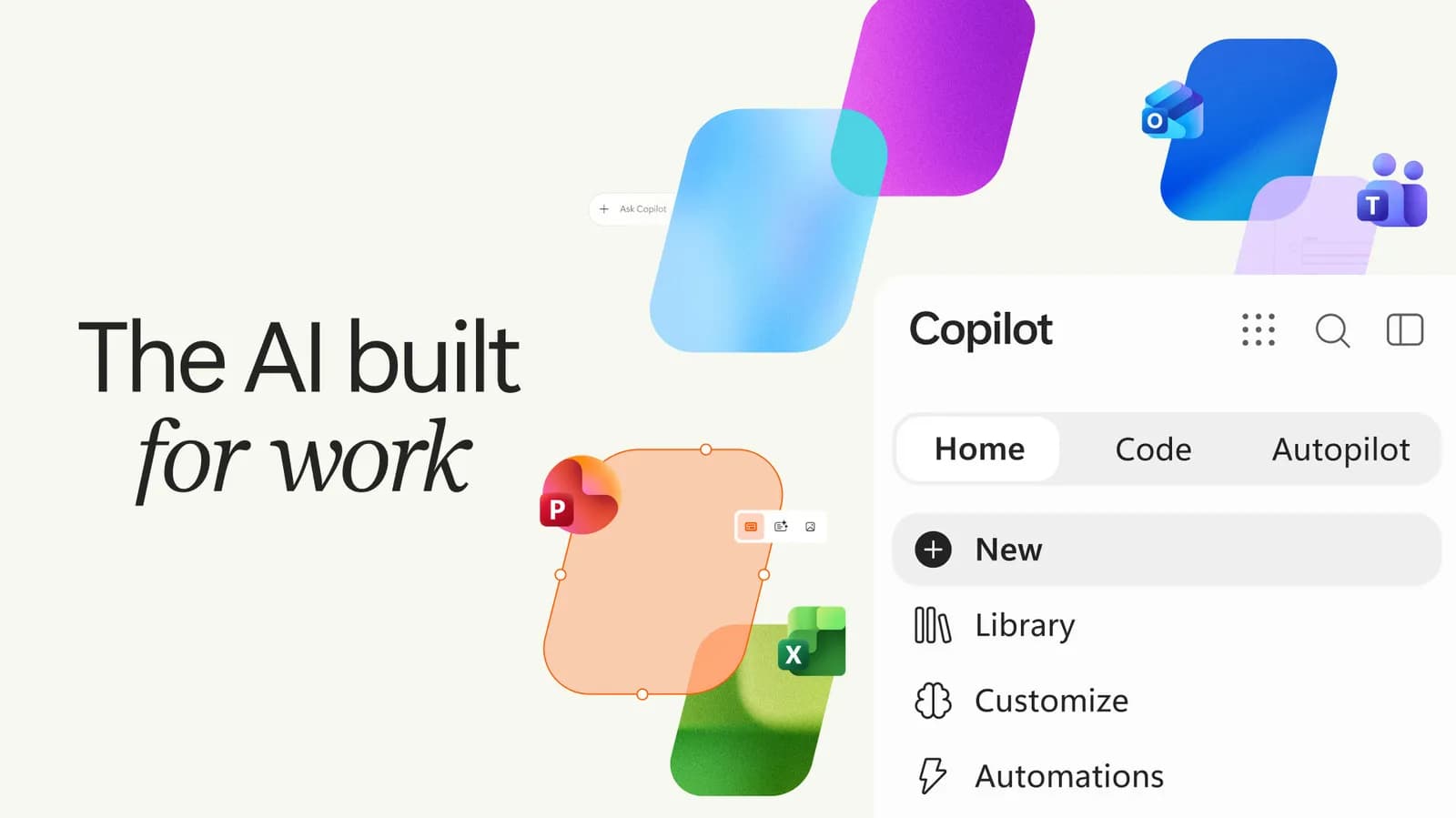
One of the most consequential aspects of this update is the tighter synchronization between Copilot and core productivity tools like Word, Excel, PowerPoint, and Outlook. Historically, bringing generated content from an AI interface into a structured document required tedious manual copy-pasting, formatting adjustments, and continuous context-switching. The updated application architecture strives to eliminate this friction entirely by enabling bidirectional data flow.
For knowledge workers and enterprise teams, this means Copilot can now aggregate data from an ongoing email thread, synthesize key action items, draft a status report in a text editor, and populate a corresponding spreadsheet without requiring the user to manually open and orchestrate each individual application. This level of ambient integration shifts the user experience from active software navigation to high-level orchestration and editorial oversight.
Natural Language Coding and Developer Workflows
Beyond traditional office tasks, the modernized Copilot application places a heavy emphasis on developer-centric capabilities, specifically natural language coding and repository automation. Software engineering has always been constrained by syntax, boilerplate setup, and the cognitive overhead of translating abstract logic into precise programming instructions. By enhancing its natural coding features, Microsoft aims to make software creation more conversational and accessible.
Developers can now describe complex architectural requirements, algorithmic constraints, or refactoring patterns conversationally, and watch as the system generates coherent multi-file implementations. While specialized integrated development environment (IDE) extensions already offer inline completion, bringing these capabilities into a broader system-wide application allows developers to manage deployment scripts, documentation, and auxiliary codebase management tasks from a unified interface.
Empowering End-User Automation
Task automation has traditionally been restricted to technical power users willing to write scripts, configure complex APIs, or build rigid workflows using dedicated automation platforms. The new automation layer within Copilot seeks to democratize this capability by allowing ordinary users to define custom workflows using natural language prompts. If an individual needs to regularly pull specific data reports, format them, and distribute them to a team chat every Friday morning, they can instruct Copilot to handle the orchestration.
This capability effectively transforms large language models into execution engines capable of interacting with application programming interfaces and desktop UI elements. By abstracting away the underlying complexity of automation pipelines, Microsoft is lowering the barrier to entry for operational efficiency across both personal and enterprise use cases.
Security, Privacy, and Enterprise Governance
With great power comes heightened responsibility, particularly when an AI assistant gains deep access to private office documents, internal source code repositories, and automated system controls. Enterprise adoption heavily depends on robust data governance, strict privacy boundaries, and transparent security guardrails. Organizations must remain confident that sensitive corporate data processed by these automation layers is not inadvertently exposed or utilized to train public foundational models.
Microsoft’s enterprise framework relies on existing cloud security boundaries, ensuring that organizational data remains partitioned within tenant-specific perimeters. However, as AI agents become more autonomous—capable of reading files, writing code, and triggering automated actions—IT administrators face new challenges in auditing agent behavior, managing access permissions, and preventing unauthorized actions executed on behalf of the user.
The Broader Industry Shift Toward Agentic AI
This update is symptomatic of a much larger industry-wide transition from passive chat interfaces to active 'agentic' AI systems. Companies across the technology sector are racing to build software that does not merely answer questions, but actively executes tasks across web browsers, operating systems, and enterprise backends. The competitive differentiator is no longer just the underlying raw intelligence of the model, but how seamlessly that intelligence integrates into everyday tools.
As this ecosystem matures, developers and consumers alike will expect their software stack to feature native cognitive capabilities rather than relying on disparate third-party plugins. Microsoft's aggressive push to unify Office productivity, developer tools, and automation into a single interface sets a high benchmark for competitors navigating the exact same architectural frontier.
Closing Takeaway
Microsoft's overhaul of its Copilot application marks an important milestone in the maturation of AI assistants, moving them from peripheral novelties into central components of digital infrastructure. By blending office productivity, conversational programming, and system-wide automation, the platform points toward a future where human-computer interaction is defined by high-level intent rather than tedious manual execution.
Source: engadget.com