
Plugged In or Running on Battery? The Truth About MacBook Power Management

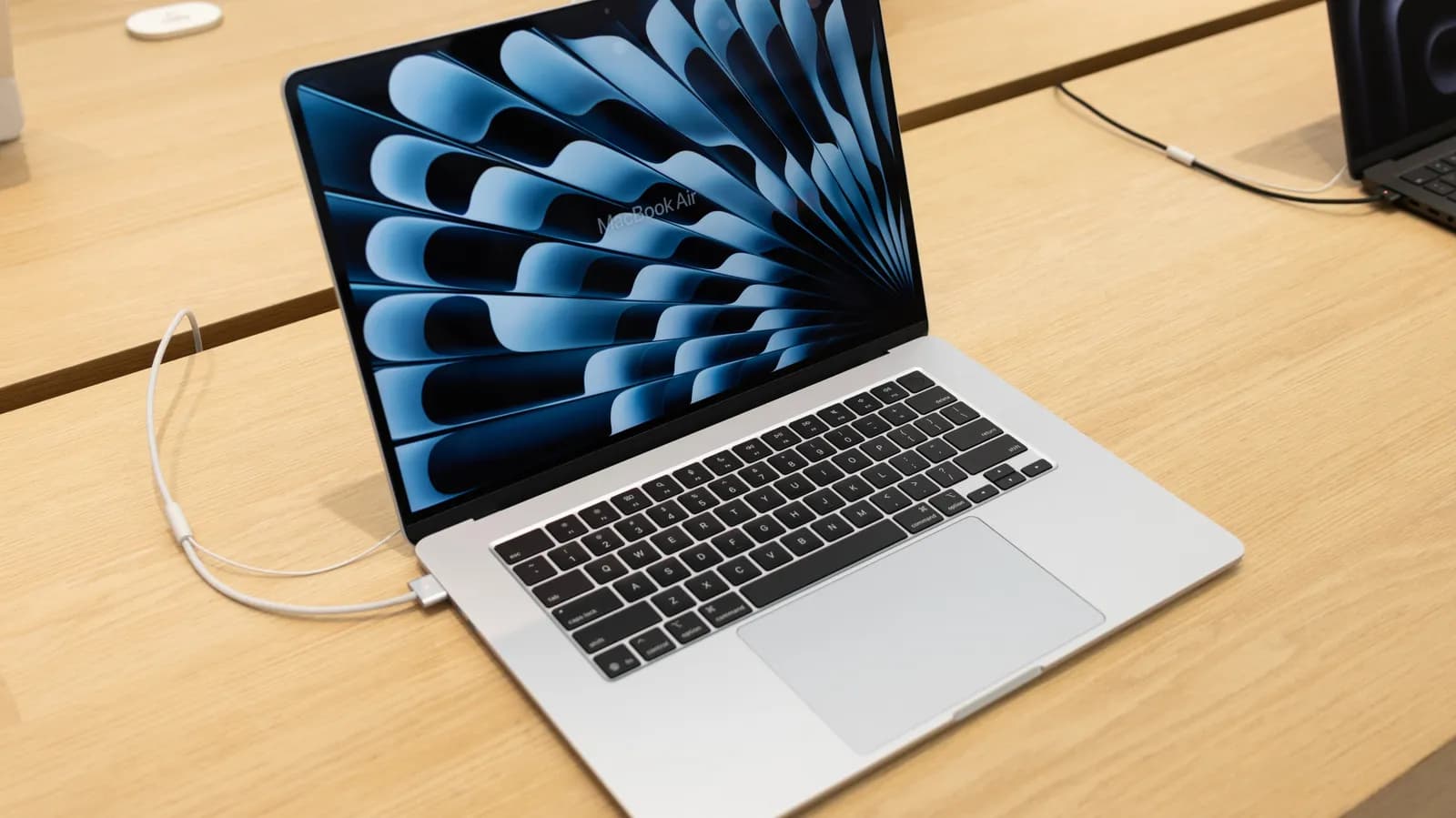
For nearly as long as portable computers have existed, users have traded folklore about how to properly care for their batteries. A persistent anxiety lingers among engineers, designers, and everyday users alike: will leaving your MacBook permanently plugged in degrade its battery health, or should you deliberately drain and recharge it throughout the workday? In an era where remote workstations frequently dock laptops into multi-monitor desks for days on end, understanding the actual impact of charging while working is essential for preserving the hardware investments powering modern digital workflows.
The Myth of the 'Overcharged' Laptop
Much of the apprehension surrounding laptop charging habits stems from outdated battery technologies. Decades ago, consumer electronics frequently relied on nickel-cadmium or nickel-metal hydride cells, which suffered from a phenomenon colloquially known as the memory effect. These older chemistries required disciplined charge-discharge routines to maintain their rated capacities, and primitive charging circuits could easily overcharge or overheat a battery if left connected to wall power indefinitely.
Contemporary laptops, including the entire Apple Silicon and modern Intel MacBook lineups, operate on entirely different physical and electronic paradigms. Modern devices utilize sophisticated lithium-ion or lithium-polymer cells integrated alongside microcontrollers that monitor current, voltage, and temperature continuously. Today, the concept of manually unplugging a laptop the second it reaches one hundred percent to prevent overcharging is fundamentally obsolete. Once the battery reaches its designed operational capacity, the charging circuitry automatically regulates power intake to prevent electrical over-saturation.
Understanding Lithium-Ion Chemistry and Stress Factors
To understand how plugged-in usage affects a MacBook, one must understand what actually degrades a lithium-ion cell over time. Battery degradation is primarily driven by three mechanisms: cycle counts, voltage stress, and ambient thermal conditions. A battery cycle occurs when one hundred percent of a battery’s rated capacity is discharged and replenished, whether in a single session or across multiple smaller sessions. Because lithium-ion batteries are rated for a finite number of lifecycle charges—typically around one thousand cycles for Apple devices—reducing unnecessary discharge-recharge loops is actively beneficial.
However, lithium cells also experience mechanical and chemical strain when held at elevated states of charge. Maintaining a battery cell at maximum chemical potential (near 4.2 volts per cell, representing one hundred percent reported charge) causes slow electrolyte breakdown and cathode degradation over extended periods. Consequently, keeping a machine permanently locked at absolute maximum capacity can accelerate wear compared to resting at moderate charge levels, which is precisely why hardware vendors have introduced sophisticated automated safeguards to mitigate this voltage pressure.
How macOS and Modern Hardware Handle Power Delivery
Modern MacBooks feature hardware-level power bypass routing combined with operating-system intelligence. When a MacBook is connected to an adequate power adapter, the internal Power Management Unit (PMU) routes electricity directly to the system components—the CPU, GPU, memory, and display—rather than routing the operational power through the battery cell itself. The battery sits in a resting state while the system runs on mains power, effectively eliminating unnecessary cycle accumulation during high-demand workloads.
On top of this physical architecture, Apple integrates an algorithmic feature called Optimized Battery Charging into macOS. Driven by on-device machine learning, the operating system analyzes the user’s daily routine, identifying whether the machine is typically docked at a desk or used untethered on the go. When the operating system recognizes that a MacBook remains plugged in for extended durations, it caps the chemical charge level at eighty percent, suspending the remaining charge until shortly before it anticipates the laptop will be disconnected. This programmatic ceiling minimizes high-voltage exposure without requiring any manual intervention from the user.
Thermal Dynamics: The Real Threat to Battery Longevity
While software algorithms excel at mediating voltage stress, heat remains the single most destructive variable in battery health. Lithium-ion cells undergo accelerated chemical aging when exposed to elevated temperatures, particularly when high internal heat coincides with a high state of charge. When a laptop is simultaneously pulling maximum charging wattage and executing demanding computational workloads, internal thermal dissipation becomes a critical balancing act.
For developers running local Docker clusters, training machine learning models, or compiling large codebases, system temperatures naturally spike. If the battery is absorbing heavy charging current during these thermal peaks, cell degradation accelerates significantly faster than it would from passive desktop usage alone. Apple’s chassis designs and power firmware actively throttle charging speed when thermal sensors detect intense heat, trading charging velocity for battery preservation. Nonetheless, ensuring adequate airflow and avoiding soft insulating surfaces during heavy compiling sessions remains one of the few physical precautions users still need to respect.
Developer Workflows and Desk-Bound Machine Hazards
Software engineers represent an interesting case study in hardware longevity because developer workflows push portable machines into desktop-replacement roles. Connecting a MacBook Pro to dual external displays, high-speed peripheral docks, and external NVMe storage arrays often keeps the machine tethered for weeks at a time. In these configurations, users frequently worry whether their setup is slowly destroying their battery.
The consensus among hardware telemetry analysis is reassuring: desk-bound operation is largely benign when modern system safeguards are active. In fact, running heavily multithreaded builds directly off the wall adapter causes far less physical wear on the battery than repeatedly discharging the pack from full to flat several times a day. While third-party utilities exist to manually cap battery limits to strict thresholds, macOS’s native health controls have matured sufficiently to handle typical dock-heavy developer routines without requiring micro-management.
Practical Habits to Maximize Battery Longevity
Given the automated protections embedded in contemporary hardware, the best approach to MacBook battery care involves minimizing friction rather than obsessing over percentages. Users can optimize hardware health by following a handful of sensible principles:
- Keep Optimized Battery Charging enabled: Allow macOS to observe your usage patterns and regulate float charge thresholds automatically.
- Prioritize thermal management: Avoid running intense compilation or rendering jobs with the laptop resting on blankets or cushions that obstruct intake and exhaust vents.
- Avoid deep discharges: Do not routinely run the battery down to zero percent; lithium-ion cells suffer greater physical strain at extreme depletion states than at moderate float charges.
- Use compliant charging hardware: Ensure that external monitors and USB-C docks supply stable, properly negotiated Power Delivery (USB-PD) profiles that match the machine's wattage requirements.
Looking Ahead: The Future of Smart Power Management
As unified system architectures continue to drive efficiency gains across personal computing, the boundary between desktop reliability and mobile endurance will only blur further. Silicon advancements have reduced idle power draw to historic lows, giving operating systems far greater leeway to execute power-preserving maneuvers transparently. Future iterations of laptop firmware will likely integrate even deeper predictive modeling, analyzing project schedules and calendar commitments to fine-tune charging curves down to the hour.
Ultimately, modern MacBooks are designed to protect their internal batteries from human oversight. By understanding that intelligent power routing and automated threshold management have replaced legacy charging constraints, developers and professionals can safely leave their machines plugged in, focusing their energy on building software rather than monitoring power meters.
Source: engadget.com