
The Silent Decay: Why Your Legacy Thumb Drives Demand Immediate Backups

The Illusion of Permanence in Portable Storage
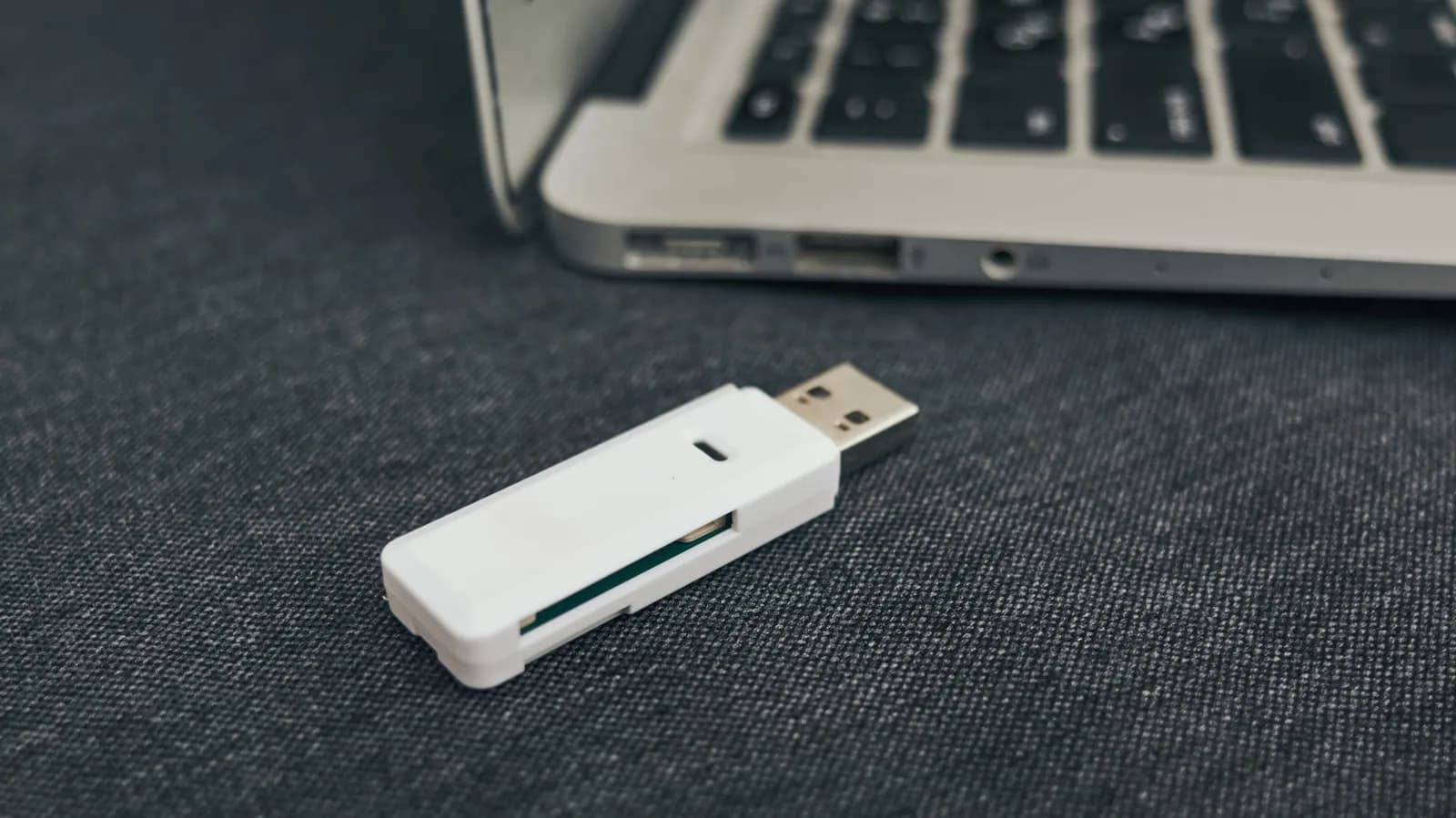
For decades, the humble USB thumb drive has served as the ultimate convenience tool for engineers, system administrators, and casual users alike. Pocket-sized, cross-platform, and requiring no external power or network connection, a flash drive has rescued countless developers from network outages, allowed quick firmware flashing on bare-metal servers, and eased the friction of transferring monolithic ISO images or project directories between machines. Because they feel solid, mechanical-free, and resilient to a moderate tumble into a backpack, it is easy to unconsciously attribute the same longevity to them that we might expect from solid-state system drives or archival magnetic tape.
However, treating a legacy USB drive as a long-term storage vault is a silent disaster waiting to happen. The physical and electrical characteristics of consumer-grade flash memory mean these devices have a finite lifespan, heavily influenced by temperature fluctuations, storage conditions, and the fundamental physics of trapped electrons. As older thumb drives sit tucked away in desk drawers or keychains, the bit rot quietly begins. Understanding why these drives fail is the first step in formulating a robust, modern backup strategy that prevents catastrophic data loss of irreplaceable scripts, configuration files, and personal archives.
The Underlying Physics of NAND Flash Degradation
To understand why older thumb drives fail, we have to look closely at the NAND flash memory chips housed inside their plastic or metal casings. Unlike traditional hard disk drives that rely on magnetic polarity, flash memory stores data by trapping electrons inside insulated gates of microscopic transistors—a mechanism known as floating-gate or charge-trap technology. To write or erase data, high voltages are applied to force electrons through an insulating oxide layer, a process that gradually wears down the insulation material over repeated cycles.
More critically for long-term storage, even when a drive is sitting completely idle in a drawer, those trapped electrons are subject to quantum tunneling. Over time, as the insulation degrades due to age or manufacturing imperfections, the electrons slowly leak out of their confinement zones. Once enough charge dissipates, the voltage reading shifts past the threshold, corrupting the stored bits. For older thumb drives—especially those manufactured years ago using larger lithography nodes or cheaper TLC/QLC memory configurations—this degradation process accelerates significantly, rendering the data unreadable without warning.
Wear Leveling and Controller Bottlenecks in Cheap Hardware
Enterprise-grade solid-state drives rely on sophisticated flash controllers equipped with advanced wear-leveling algorithms, over-provisioning, and robust Error Correction Code (ECC) engines to manage the inevitable degradation of NAND cells. These controllers continuously shuffle data around to ensure that no single memory block wears out prematurely, while background maintenance tasks scrub and refresh aging sectors.
Consumer thumb drives, conversely, are built down to a price point. While modern high-end USB drives may incorporate basic controllers, older or budget-tier flash drives often utilize rudimentary controllers with minimal DRAM cache and weak ECC capabilities. As the drive ages, the controller itself can fail or suffer firmware corruption, locking the device into a read-only state or rendering it completely unrecognized by host operating systems. When a controller dies, the raw memory chips might theoretically still hold data, but extracting it requires specialized hardware labs—a costly endeavor for personal or routine project backups.
The Developer's Dilemma: Code, Keys, and Configurations
For software engineers and tech professionals, the risk extends beyond losing family photos or old documents. Many developers have a history of stashing legacy code repositories, environment configuration backups, secure SSH keys, GPG keyrings, and early proof-of-concept scripts onto portable thumb drives during past migrations or system setups. Assuming that an old project directory is safe indefinitely simply because it hasn't been touched is a perilous assumption.
When an old thumb drive fails, it often takes historical context with it—configurations from legacy internal tools, custom build scripts for obsolete frameworks, or documentation that was never pushed to a remote repository. Relying on physical portability for archival purposes creates a single point of failure that bypasses modern redundancy practices. For a developer, a proper workflow demands that any data deemed worth keeping should exist in at least two distinct locations, preferably leveraging version control or cloud-synced storage rather than localized, unmanaged flash media.
Best Practices for Migrating and Auditing Legacy Media
Mitigating the risks posed by aging thumb drives requires a proactive approach to data hygiene. The first step is conducting a comprehensive audit of all legacy storage devices currently residing in your workspace. Plug them into an isolated system or a virtual machine if their origin is untrusted, and immediately check the integrity of the files. Do not simply trust that a directory opens; verify checksums or archive contents where applicable to ensure silent bit rot hasn't already occurred.
Once the data is verified, execute a migration strategy based on the 3-2-1 backup rule. Move the files off the legacy thumb drives and into active, redundant storage architectures such as encrypted local NAS arrays, reliable external SSDs, or secure cloud storage repositories. If you must continue using thumb drives for temporary file transfers, treat them as ephemeral transport pipes rather than vaults, and replace them periodically rather than pushing them into multi-year service.
The Shift Toward Cloud and Local Network Redundancy
The ubiquity of high-speed internet connections and affordable local network-attached storage has fundamentally shifted how we should handle portable data. While thumb drives remain convenient for air-gapped environments or rapid physical provisioning, they should no longer occupy a primary role in a personal or professional disaster recovery plan. Local SSDs with proper TRIM support and enterprise-grade durability ratings offer vastly superior longevity and performance.
Furthermore, leveraging private cloud instances, object storage, or automated local synchronization tools ensures that files are continuously verified and backed up across resilient parity arrays. By moving away from unstructured reliance on cheap flash memory sticks, developers can safeguard their digital legacy against the physical limitations of silicon and voltage leakage.
Final Thoughts on Storage Hygiene
Technology hardware has an expiration date, and flash memory is no exception to the rule of physical decay. That box of old thumb drives sitting on your shelf is a ticking clock of silent data loss, waiting for the right combination of time and electron leakage to wipe out its contents. By recognizing the limitations of NAND flash and migrating important files to modern, redundant storage solutions, you can ensure your digital history remains intact, accessible, and secure for years to come.
Source: engadget.com